
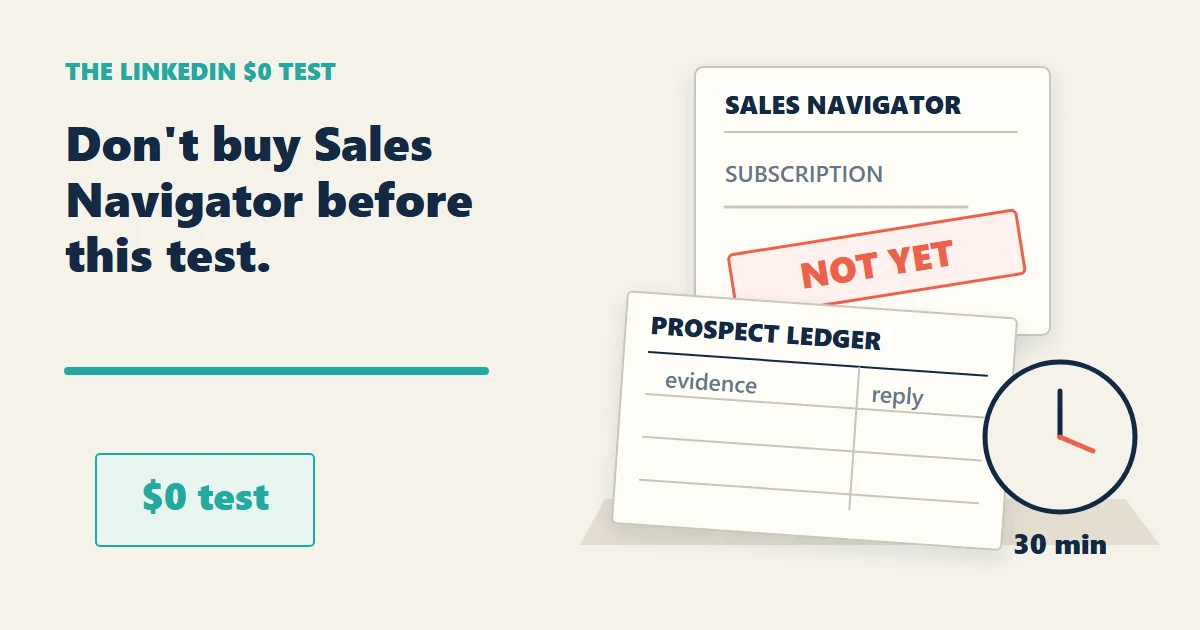
I would test 30 qualified prospects before buying Sales Navigator. Use public LinkedIn pages to find possible buyers, check for a current problem, and send one relevant message. Spend 30 minutes a day. Count replies and business conversations—not profile views. More filters cannot fix an offer nobody wants.
Get the free 30-prospect tracker →
Quick Verdict & Solo Consultant Stop-Loss Card
Do not buy LinkedIn Sales Navigator before you can prove that free prospecting produces real conversations.
Use Google to find public LinkedIn profiles. Use LinkedIn to read recent activity and join relevant conversations. Use a simple spreadsheet to track the people, the pain signal, the date, and the next action.
| What the tool claims | What the solo-business ledger shows |
|---|---|
| Sales Navigator gives you more filters and prospecting features | More filters do not create a clearer offer |
| InMail gives you another way to contact buyers | Another inbox is not another source of demand |
| Posting every day builds visibility | Visibility without a buying signal is just a larger audience of strangers |
| More leads create more opportunities | More unqualified leads create more unpaid sorting |
These are my stop-loss rules, not conversion benchmarks or a promise of a client. A business conversation means discussing scope, budget, timing, or implementation—not a polite “thanks.”
My rules:
- If you cannot describe the buyer’s problem in one sentence, do not buy another prospecting tool.
- If ten search results produce no recent pain signal, change the search query.
- If 30 qualified prospects produce fewer than three real business conversations in 14 working days, stop the experiment and change either the offer or the channel.
- If a person asks for a full strategy before showing a buying signal, give one useful observation and stop there.
- If LinkedIn takes more than 30 minutes a day, it is eating the business it was supposed to feed.
The strongest argument against this approach is obvious. Sales Navigator can save time once you already know the exact buyer, market, and message. I agree.
That is an optimization problem.
A beginner usually has a discovery problem. Paying for better filters before finding a repeatable message is buying a faster way to be wrong.
The Cost Comes Before the Subscription
An empty pipeline makes another subscription look productive. I would first check whether the offer gets a useful reply.
I checked the official search, public-profile, and Sales Navigator pages on September 30, 2026. The distinction that matters is not “free versus paid.” It is whether the paid feature removes a bottleneck you can name.
| Route | Extra cash budget for this test | What it can do | Official reference checked September 30, 2026 |
|---|---|---|---|
| Google public-page discovery | $0 | Find some publicly indexed profiles and posts; results are not exhaustive | Google’s site-search guidance |
| Existing LinkedIn basic account | $0 in additional subscriptions | Read accessible activity and participate manually; availability and account limits still apply | LinkedIn public-profile visibility |
| Sales Navigator | Paid; confirm your local checkout | Additional search filters and saved prospecting workflows | Official plans and pricing |
The two $0 figures are this experiment’s additional software budget, not a claim that your time or internet connection is free. I have not quoted a universal Sales Navigator price. Check the billing period, tax, renewal date, and trial eligibility in your own checkout.
I would not buy Sales Navigator at the beginning.
Not because paid software is evil. Because the first question is not “Can I find more people?”
The first question is:
Can I make one specific kind of buyer care about one specific business problem?
If the answer is no, better filters only increase the number of people who ignore you.
Google Is a Discovery Layer, Not a Loophole
LinkedIn search is useful. It is also designed for a platform with its own limits, prompts, and commercial products.
That does not mean you should try to evade those limits.
Do not scrape profiles. Do not automate connection requests. Do not create fake accounts. Do not treat a public page as permission to copy a person’s data into a giant lead database.
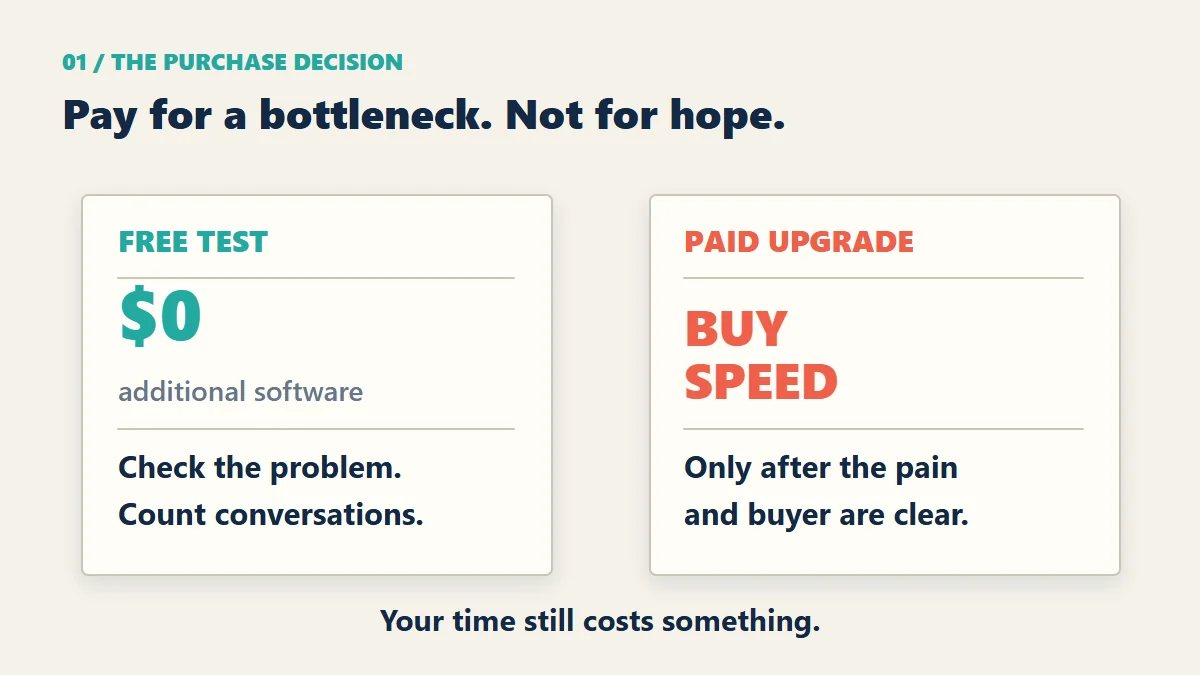
Use Google for a narrower job: finding public pages that match a clear search pattern.
Start with a role and a business context:
site:linkedin.com/in "agency owner" "client onboarding"Then look separately for a public post about the problem:
site:linkedin.com/posts "client onboarding" "manual"A profile mentioning onboarding tells you what someone works on. It does not tell you their onboarding is broken, their budget, or whether they want your help. Open the source and read the context. A post may be old, a tutorial, or someone else’s example.
Google says a site: query is not an exhaustive list of indexed pages. LinkedIn says public-profile visibility depends on the member’s settings. Neither gives you a complete buyer database. If a post is not accessible, do not guess what it says or try to bypass the restriction.
The point is not to collect 500 names.
The point is to find five people whose public activity gives you a reason to start a relevant conversation.
This profile-discovery query has four parts:
site:linkedin.com/inlimits the search to public LinkedIn profile pages.- A role identifies the type of person.
- A workflow phrase identifies context to investigate—not proof of demand.
- A market or service phrase narrows the context.
Avoid broad searches such as:
site:linkedin.com/in CEO consultantThat search is too wide. It gives you people, not intent.
A better query is:
site:linkedin.com/in founder "client onboarding" agencyIt still will not produce perfect results. No query does.
But it gives you a place to begin without paying for an enterprise sales database.
Job Titles Are Vanity. Pain Signals Are Useful.
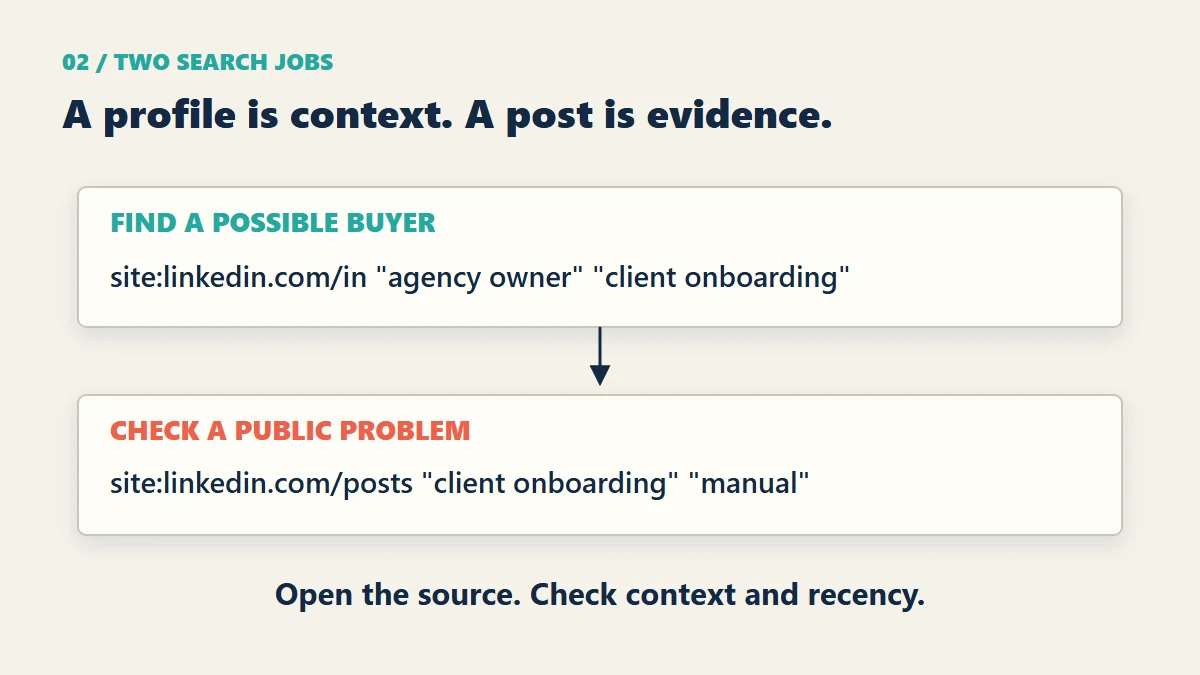
“Founder” is not a buying signal.
Neither is “CEO,” “consultant,” “agency owner,” or “independent developer.”
Those words only tell you what someone calls themselves. They do not tell you what problem is costing them money this week.
A pain signal is different.
Look for language like the following illustrative phrases—not quotes from actual prospects:
- “I keep losing leads after the first call.”
- “My onboarding process is a mess.”
- “I spend too much time chasing updates.”
- “I am getting traffic but no enquiries.”
- “I need a better way to manage client work.”
- “I am replacing three tools with one.”
- “The process works until a new client arrives.”
The wording does not need to be dramatic.
A buyer often reveals intent in a boring sentence. Boring is good. Boring usually means the problem is attached to actual work.
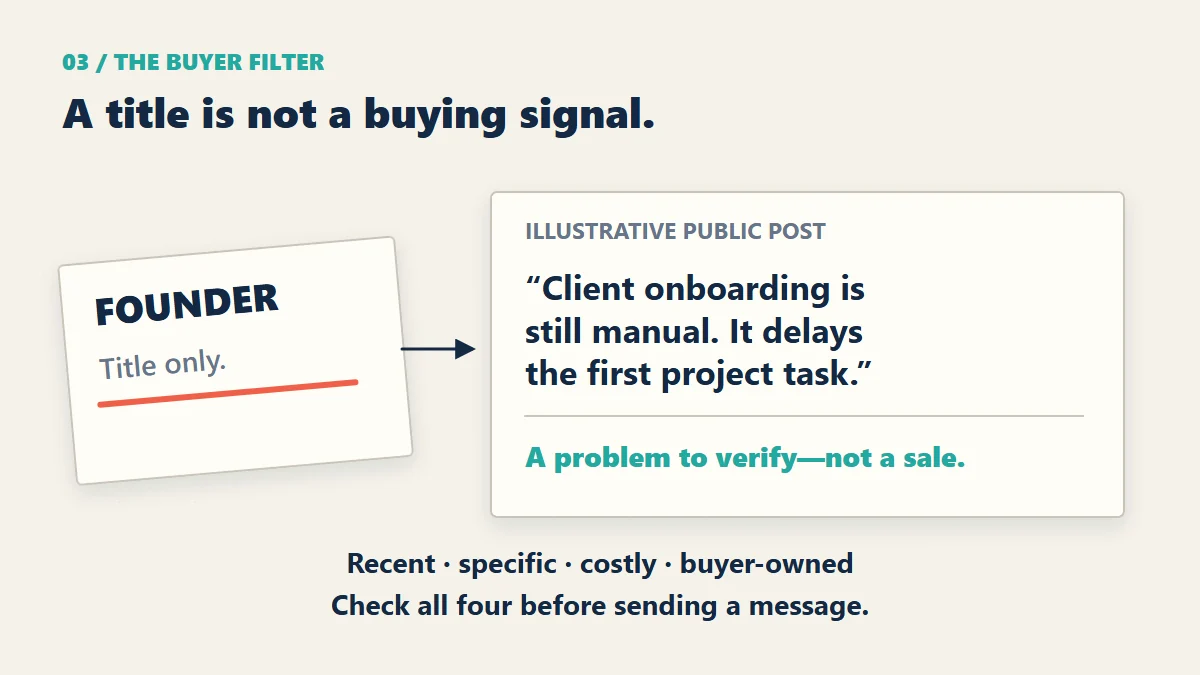
I care about four things:
- Recency: Was the problem mentioned recently?
- Specificity: Is there a real task behind the complaint?
- Cost: Does the problem waste money, time, or delivery capacity?
- Authority: Can this person approve a purchase or introduce the person who can?
If the answer is “no” on three of the four, I move on.
For example, a profile with 30,000 followers can still be a poor prospect.
A profile with 800 followers and one clear sentence about a broken client process can be a much better prospect.
That is why follower count belongs at the bottom of the spreadsheet.
The 30-Minute Routine
LinkedIn becomes expensive when the cost is measured in attention instead of dollars.
You open the site to find one prospect. Forty minutes later, you are reading arguments about personal branding. Another hour disappears.
That is not prospecting. That is unpaid entertainment wearing a business hat.
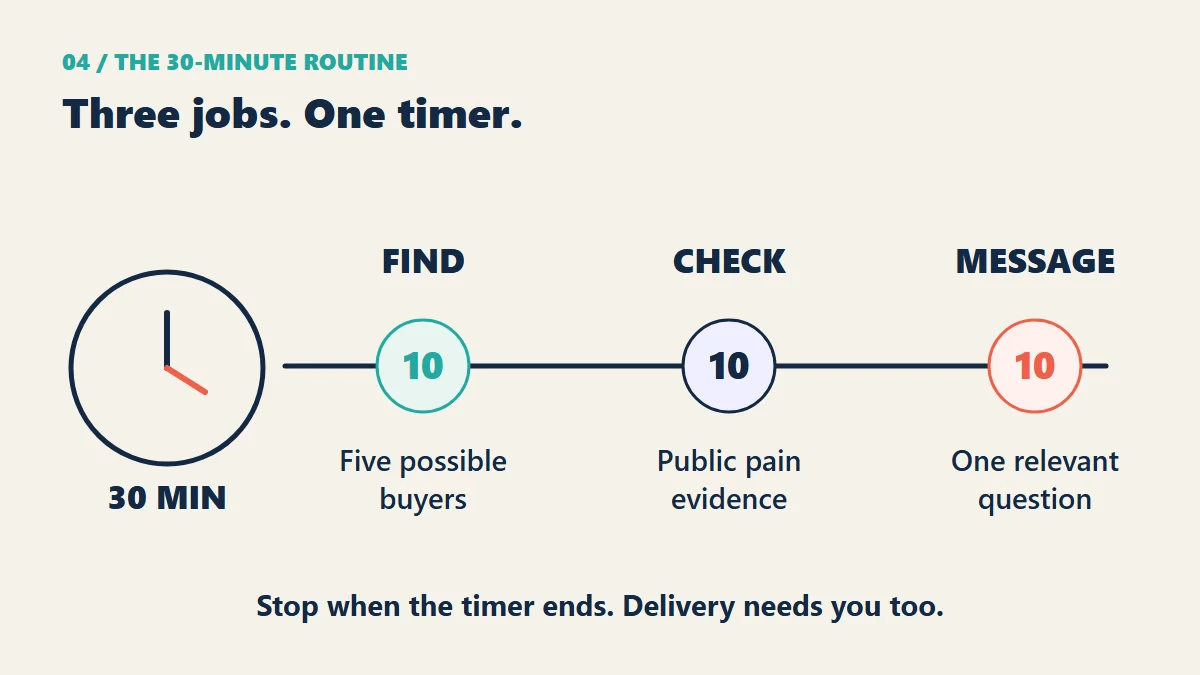
I would use a 30-minute routine.
Ten minutes: find five possible buyers
Use one narrow Google query.
Open the public profile pages. Look for a recent post, a clear service description, or a visible business problem.
Write down only five names.
Do not build a list of 100 people. A large list creates the false feeling of progress.
Ten minutes: inspect the pain signal
Open the person’s recent posts or public activity.
You are not looking for a reason to pitch. You are checking whether the problem is real enough to deserve a conversation.
Record one sentence in your sheet:
Pain signal: client onboarding breaks when projects overlap.Not this:
Seems like a good prospect.“Good prospect” is not evidence.
Ten minutes: participate or send one light message
If the person has published a relevant post, leave a useful comment.
A useful comment adds one observation, one example, or one practical question.
It does not say:
Great post. Let’s connect.
That sentence is not a comment. It is a business card thrown from a moving car.
If the problem is documented elsewhere in accessible public activity, refer to that source. If you have no evidence, do not manufacture a reason to message. Use only the connection and messaging options your account permits; a Google result does not give you InMail access.
Do not attach a brochure.
Do not send a calendar link.
Do not write a paragraph about your background.
A simple tracking sheet is enough:
| Name | Role | Pain signal | Date | Action | Reply |
|---|---|---|---|---|---|
| Prospect A | Agency owner | Onboarding delays | Sep 30 | Commented | Pending |
| Prospect B | Consultant | Too many manual reports | Sep 30 | Sent note | Replied |
| Prospect C | Founder | Leads lost after calls | Sep 30 | Saved | None |
If the sheet does not change your next action, it is decoration.
Take the Sheet, Not Another Subscription
Download the 30-prospect tracking sheet (CSV). No signup. It has 30 blank prospect rows and separate columns for the public evidence, message date, reply, business conversation, proposed scope, and payment status.
Open it in Excel or import it into Google Sheets. Store only what you need, respect deletion requests, and remove records that no longer serve the test. Do not turn it into a scraped contact database.
Track the next action separately from the result. “Message sent” is work you did. “Scope discussed” is a buyer signal. “Payment received” is money. The sheet should not let those three become the same number.
The Anti-Pitch Message
Most cold messages fail before the recipient reaches the second sentence.
They begin with a résumé.
I help businesses scale their operations through innovative solutions.
This says nothing.
Then comes the service list.
SEO, funnels, automation, websites, content, email marketing, and consulting.
This says too much.
The recipient now has to do the work of figuring out what you might solve. That is not a generous message. It is a homework assignment.
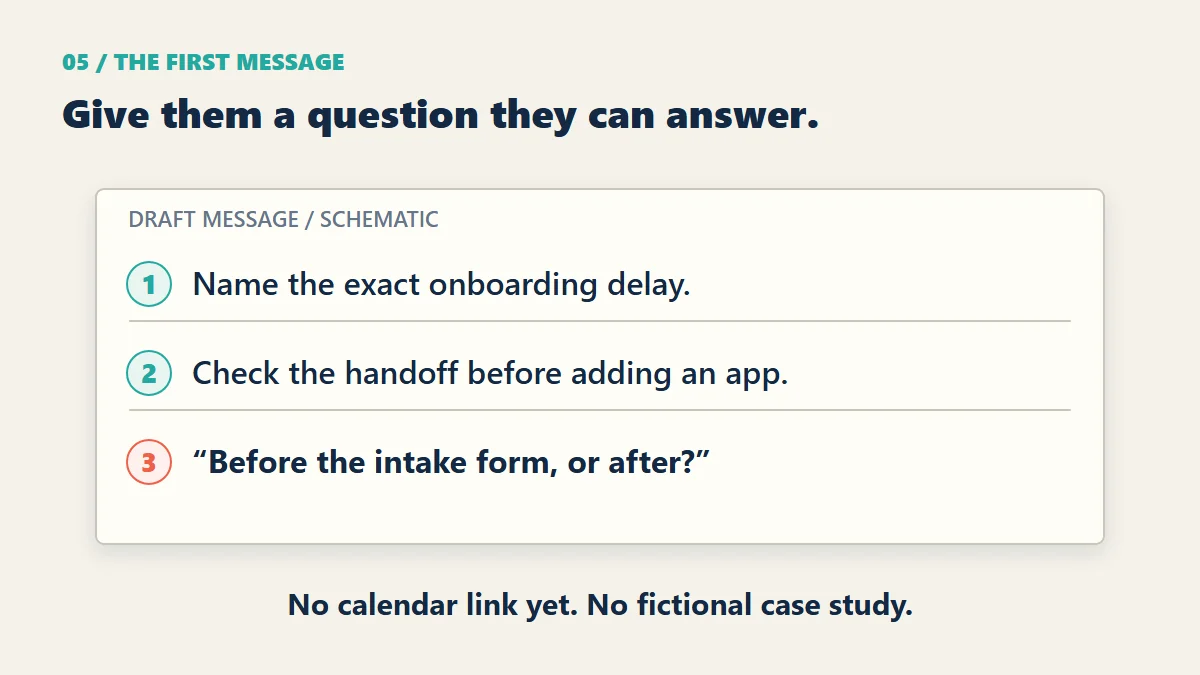
A better message has three parts:
- Mention the specific problem.
- Offer one small observation.
- Ask one bounded question without forcing a call.
Here is a draft to adapt to a post you actually read, not a message from a past client conversation:
I saw your post about losing time during client onboarding.

The handoff between the sales call and the project workspace is often where the delay starts. An intake form and a named owner are worth checking before adding another app.

Is the delay happening before the intake form arrives, or after it is submitted?
Only use that diagnosis if the post actually supports it. No calendar link yet.
You are not trying to close a consulting engagement inside a connection request.
You are trying to find out whether the problem is alive.
If the person replies with a question, answer it.
If the person describes the situation in more detail, ask one useful follow-up.
If the person asks what you do, explain the smallest relevant service. Not your entire career.
My rule for the first conversation:
Give away one diagnosis. Charge for the repair.
A diagnosis might be:
- “Your lead form asks for too much information.”
- “Your onboarding has three owners and no next-action field.”
- “Your service page describes activities instead of the result the buyer wants.”
- “Your follow-up depends on memory.”
The diagnosis is useful because it is specific.
The repair is paid because it requires implementation, testing, and responsibility.
What to Do After Someone Replies
A reply is permission to continue that conversation. It is not a signed brief.
They explain the problem: ask one scope question
Ask which step is failing and who owns the next action. For onboarding, that might be the gap between a signed agreement and the first project task. Do not request client records or account access in a cold message.
If the problem is still vague after one clarification, stop designing a solution. You cannot quote a fog bank.
They ask for a price: make the repair small
Offer a fixed-scope first step: inspect one handoff, map the failure, and recommend or implement one agreed change. State the deliverable, exclusions, timing, and price before asking for a commitment.
If the buyer wants the entire workflow rebuilt, write a separate scope. A small initial job is not a blank cheque for free consulting.
They ask for proof: show something you can stand behind
Use a relevant work sample you have permission to share. If you have no client case, show a demonstration on synthetic data and label it as a demonstration. Explain what it proves—and what it does not.
A working intake-form demo can show technical competence. It cannot prove you increased a client’s revenue. I would rather lose a sale than invent the case study.
They go quiet: follow up once, then stop
I would wait five working days, send one short follow-up only if there is a relevant reason, then stop. This is my limit, not a magic response interval.
If they decline, stop immediately. Silence does not turn a stranger into an email sequence.
What to Do When Nobody Replies
No reply does not automatically mean the market rejected you.
It can mean five different things:
- The person never saw the message.
- The problem is not painful enough.
- The person is not the buyer.
- The message was vague.
- The offer sounds like every other service on LinkedIn.
Do not guess.
Use the numbers.
After ten messages, review the quality of the pain signals.
After 20 messages, review the wording of the offer.
After 30 qualified messages, make a decision.
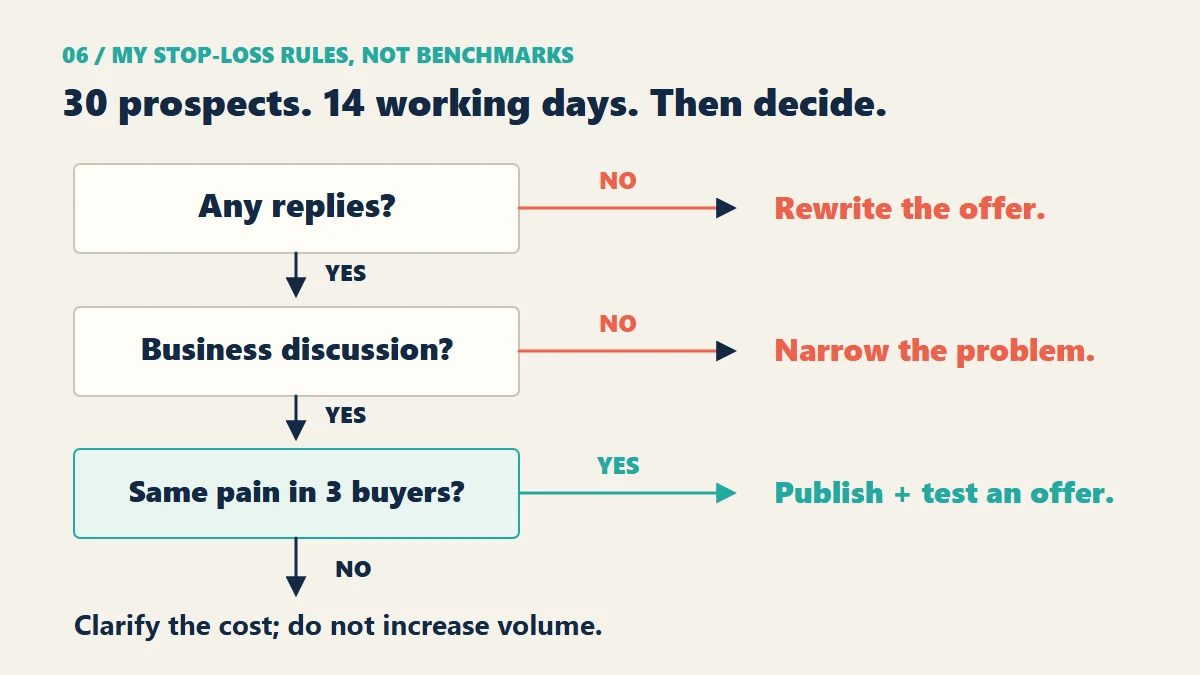
Here is the stop-loss rule I would use:
- If 30 qualified prospects produce zero replies, rewrite the offer before sending message 31.
- If 30 qualified prospects produce replies but no business discussion, narrow the problem.
- If three people describe the same paid problem, write an article and a service page around that problem.
- If nobody can describe the cost of the problem, stop selling that service to that audience.
Do not keep increasing volume to protect a weak message.
That is how a small problem becomes a full-time job.
Show the Fix Before You Sell the Repair
A small proof asset can do more work than another week of posting about your expertise. Publish a teardown, a process map, or a clearly labeled demo of the specific failure buyers keep describing.
Link to it when someone asks how you would approach the problem. Let them inspect your reasoning without booking a call. Keep client data out of it, and do not claim results you have not measured.
When Sales Navigator Finally Becomes Worth Testing
Sales Navigator can become reasonable later.
The timing matters.
I would consider it only when all four conditions are true:
- You have one narrow buyer group.
- You have one offer that gets replies.
- You know which filters identify that buyer.
- You have enough qualified prospects to justify a faster workflow.
The upgrade buys more search control.
You are still one person.
If your free process produces only five relevant prospects per week, more search filters will not solve the real problem. You need a better offer or a better source of demand.
If your offer is already converting conversations and you are losing hours to manual research, the paid tool may save time.
That is a different decision.
It is no longer an emotional purchase made because everybody online seems to own it. It is a capacity purchase with a measurable job.
Buy a shorter research step, not an imaginary pipeline
Before you activate a trial or subscription, write down the manual task it should shorten and how long that task currently takes. Compare like-for-like prospects, not a free week of careful research against a paid week of clicking everything.
I would run the paid test for 14 working days, within the trial if eligible or within one billing period otherwise. Set a reminder before renewal. If it does not reduce research time for equally qualified prospects, cancel before the next charge.
Faster research can justify software. More profile views cannot. Even a useful tool is too expensive if its fee consumes the value of the time it saves.
Compare the paid upgrade on LinkedIn’s official plans page. This is an official, non-affiliate link. Check which features belong to which plan; do not buy a team workflow for a solo business by accident.
A Reply Is Not Revenue
A search result is not a lead. A connection is not a conversation. A conversation is not a client.
Record agreements and received payments separately. Neither a useful reply nor a paid tool proves this process can support your business yet.
Stop-Loss Recap
- If you cannot state the buyer’s problem in one sentence, do not buy Sales Navigator.
- If ten search results show no pain signal, change the query.
- If LinkedIn takes more than 30 minutes a day, cut the session short.
- If 30 qualified prospects produce fewer than three real business conversations in 14 working days, change the offer or leave the channel.
- If a prospect asks for a full strategy before showing buying intent, give one bounded observation and stop.
- If three people describe the same expensive problem, turn that problem into an article, a proof asset, and a paid offer.
You do not need a bigger inbox.
You need a better reason for the right person to reply.